
What it does
Your cloud machine, on a console that fits in a bag.
Sign in with your Shadow account, pick your machine, play. Halyard speaks the same protocol as Shadow's desktop client, reimplemented from scratch for homebrew.
-
Hardware video decoding
H.264 and HEVC on Switch, H.264 on Vita, drawn with the GPU's own colour conversion.
-
Opus or FLAC audio
Whichever the server grants, with a 5-band equaliser and profiles that follow the console's mode.
-
Your controls reach the VM
Gamepad, a mouse driven from the sticks or the touchscreen, an on-screen keyboard. Rumble and gyro aiming on Switch.
-
The real pointer
The VM's own mouse cursor is drawn, rather than a local approximation.
-
It measures itself
Latency by stage at p50/p90/p99, packet loss and the link's estimated capacity — in the pause menu, while you play.
-
Settings that stay
Testers for the network, the pad and the mouse, and an optional lock on opening the app.
See it running
A Shadow machine on a Switch, from launch to play
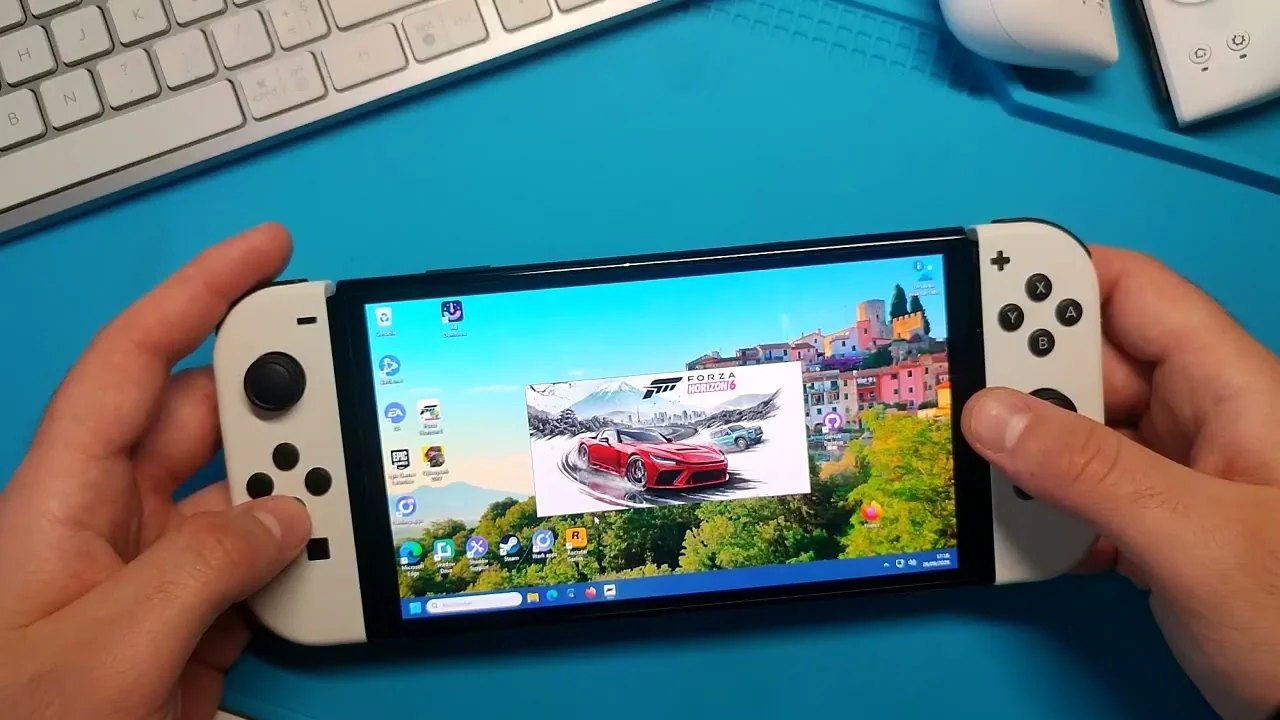
The video plays from YouTube once you click it — nothing is loaded from YouTube before that.
In pictures
From the machine list to the stream
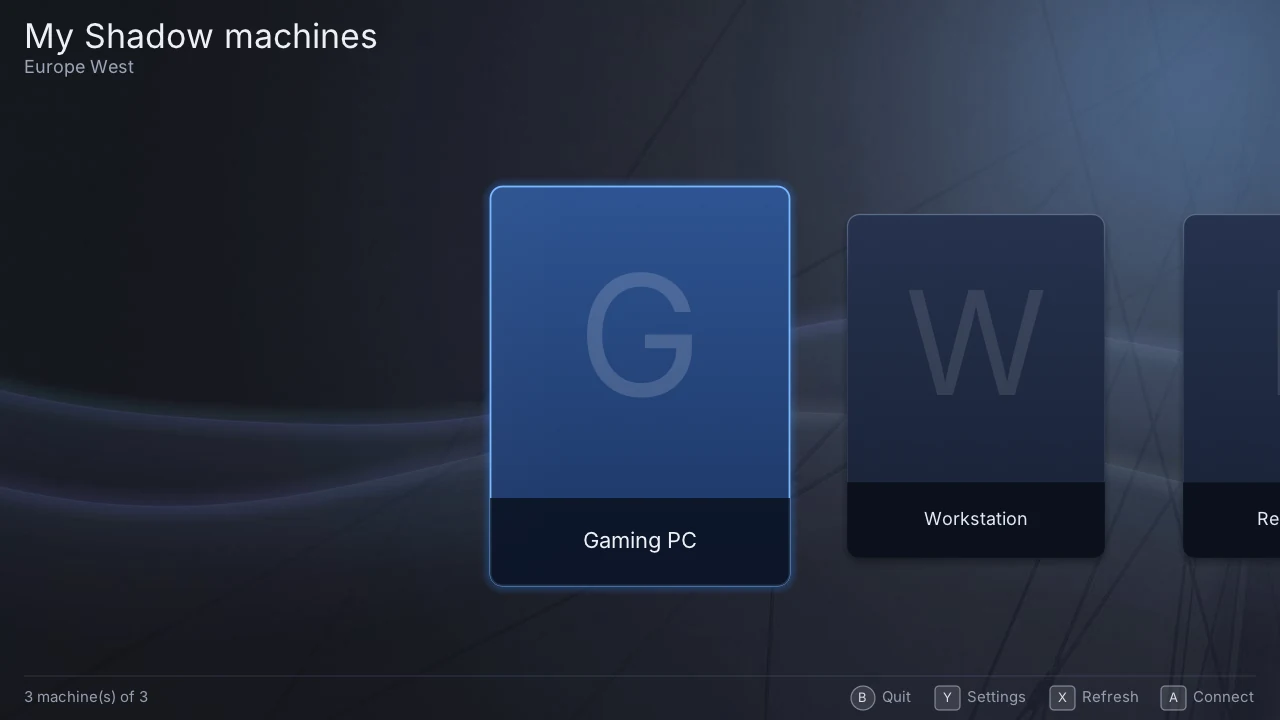
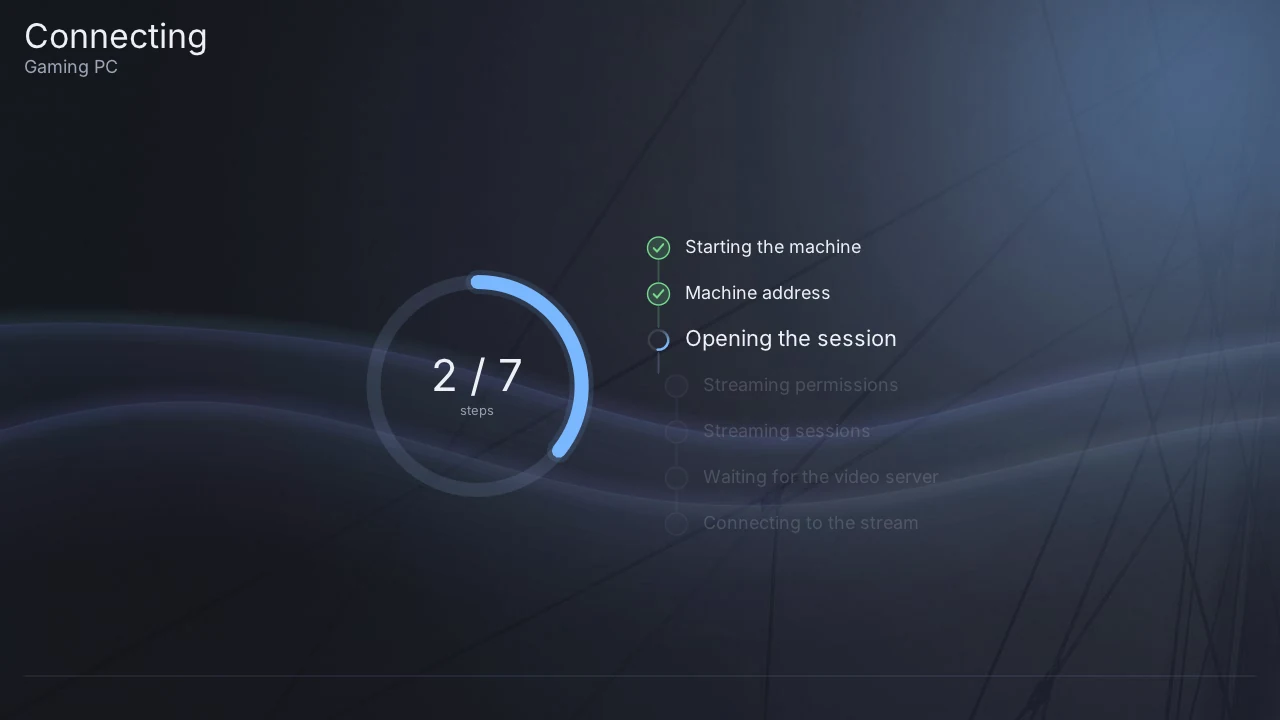
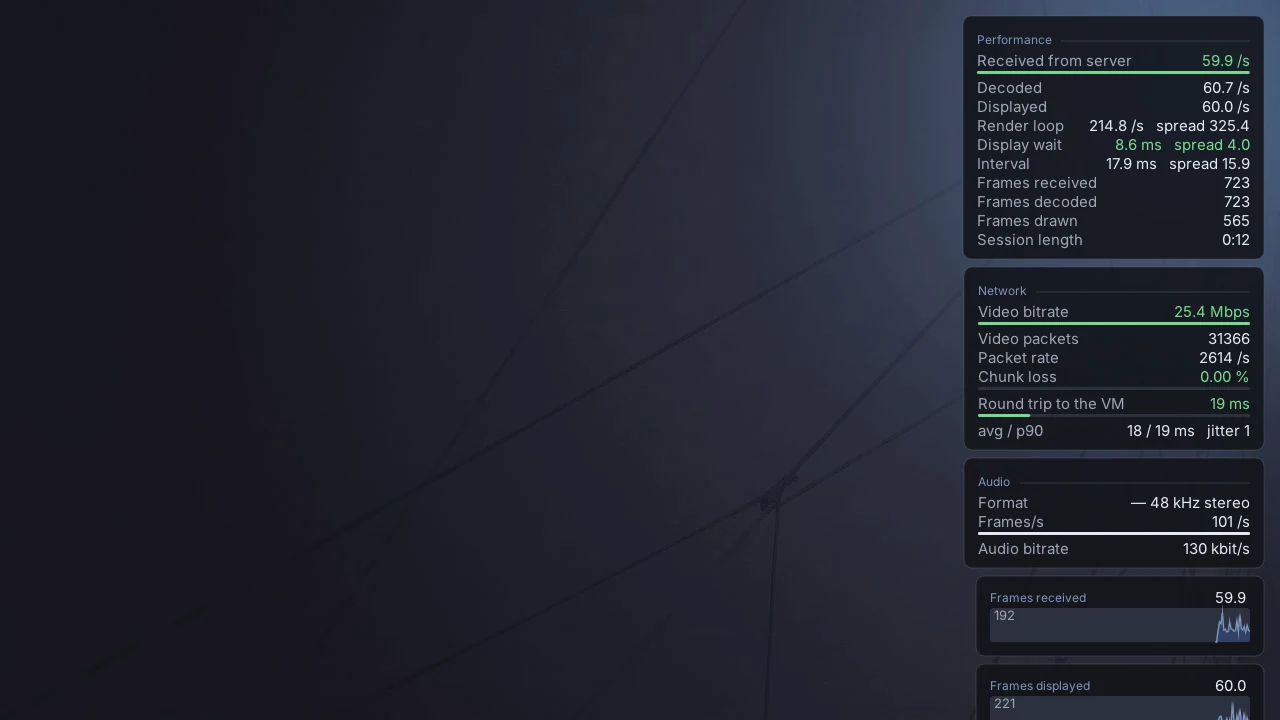
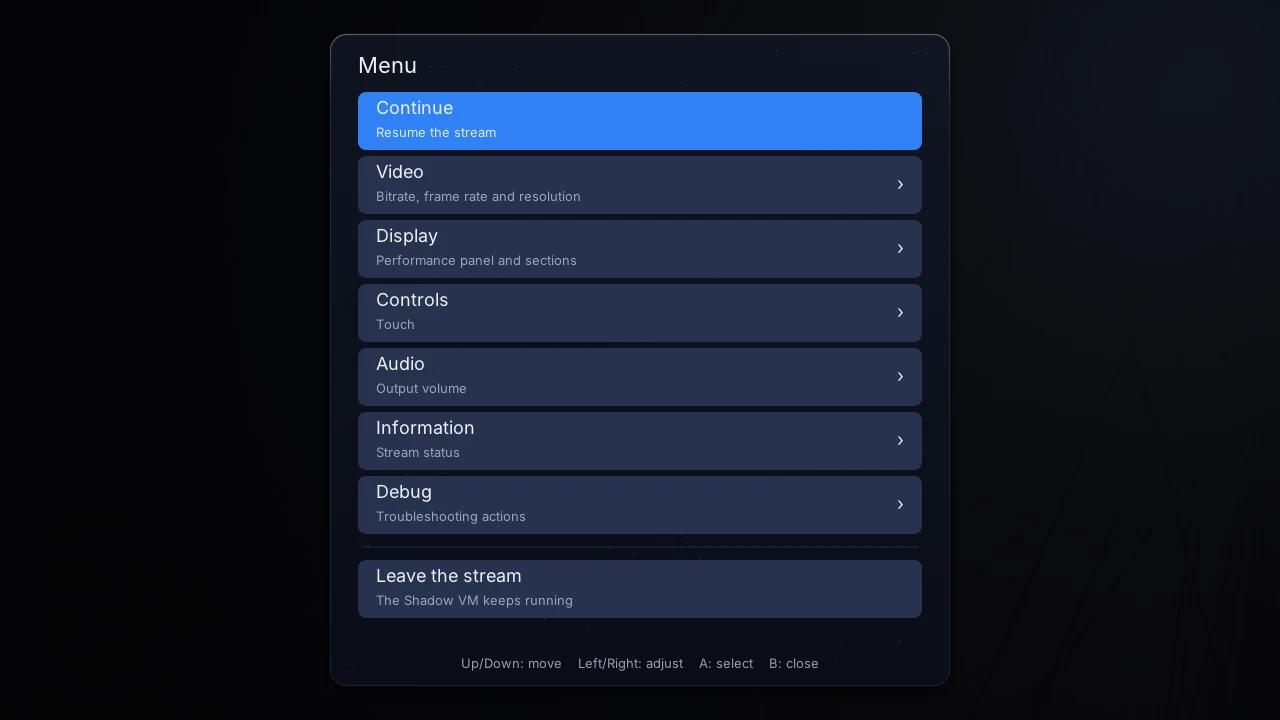
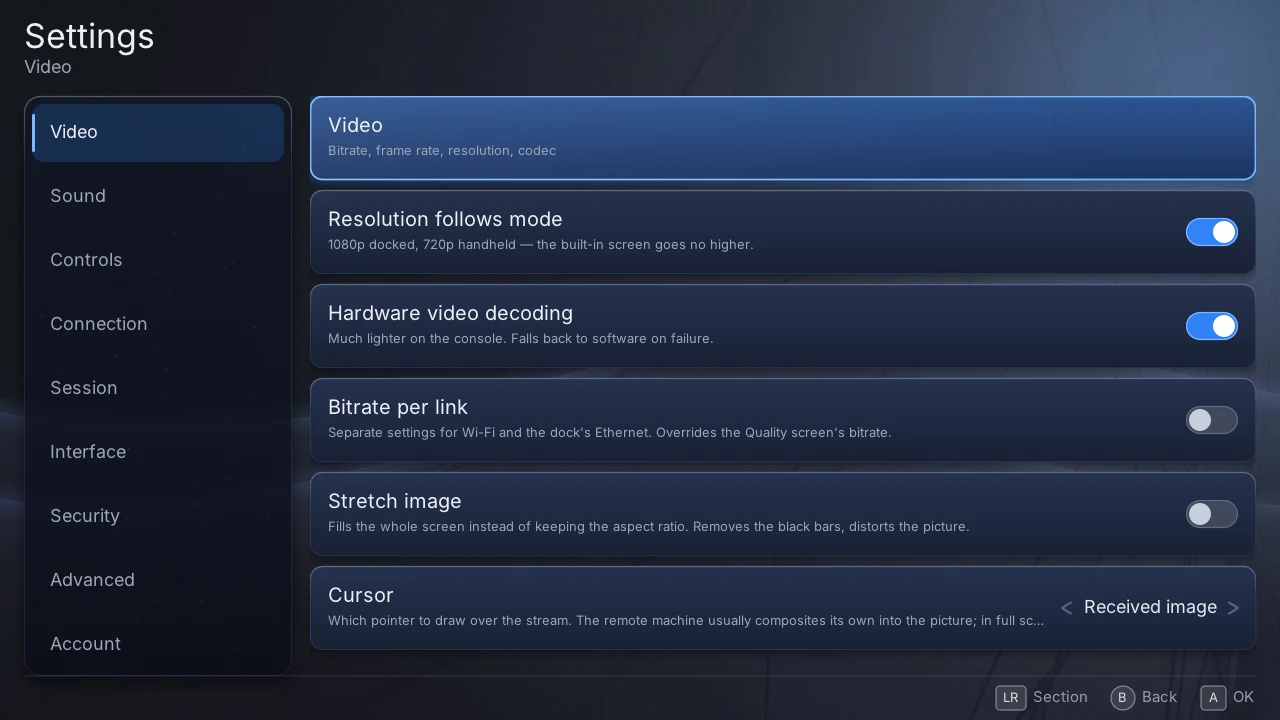
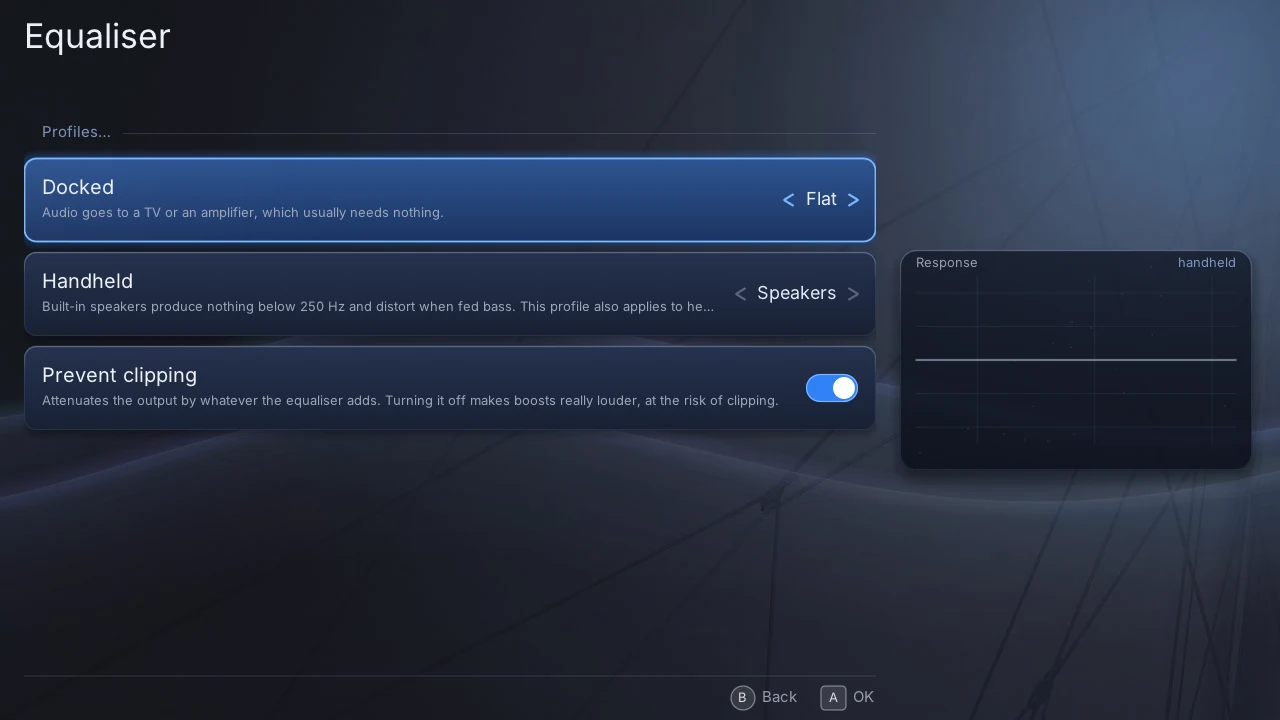
Captured from the desktop build in its demo mode: the account, the machines and the numbers are fictional.
Per console
What works where
| Nintendo Switch | PS Vita | |
|---|---|---|
| Hardware video decode | H.264 + HEVC | H.264 |
| Audio (Opus / FLAC) | Yes | Yes |
| Gamepad to the VM | Yes | Yes |
| Mouse (sticks / touch) and keyboard | Yes | Yes |
| Rumble | Yes | No — no such hardware |
| Gyroscope aiming | Yes | No |
| Validated over long sessions | Yes | Early |
Install
Three steps, on a console that already runs homebrew
Nintendo Switch
Needs Atmosphère and the homebrew menu.
- Download
halyard.nro. - Copy it to
/switch/on the SD card. - Open the homebrew menu and launch Halyard.
PS Vita / PS TV
Needs HENkaku or h-encore, and VitaShell.
- Download
halyard.vpk. - Copy it to the console and install it from VitaShell.
- Launch Halyard from LiveArea.
The first launch shows a short code: type it at the address shown, on a phone or a computer, and the console signs in by itself. Details in the install guide, and everything else in the documentation.
Before you play
What to expect
Your network matters more than the console. The software spends a few milliseconds on a frame; a Wi-Fi stall lasts hundreds. A wired link, where you can have one, changes more than any setting.
Cap the bitrate around 25 Mb/s. Above that, the picture breaks up in play over Wi-Fi. The setting is in the pause menu — hold + on Switch or START on Vita.
You need your own Shadow subscription. Halyard is a client: it signs in as you, to your machine.